Model stability
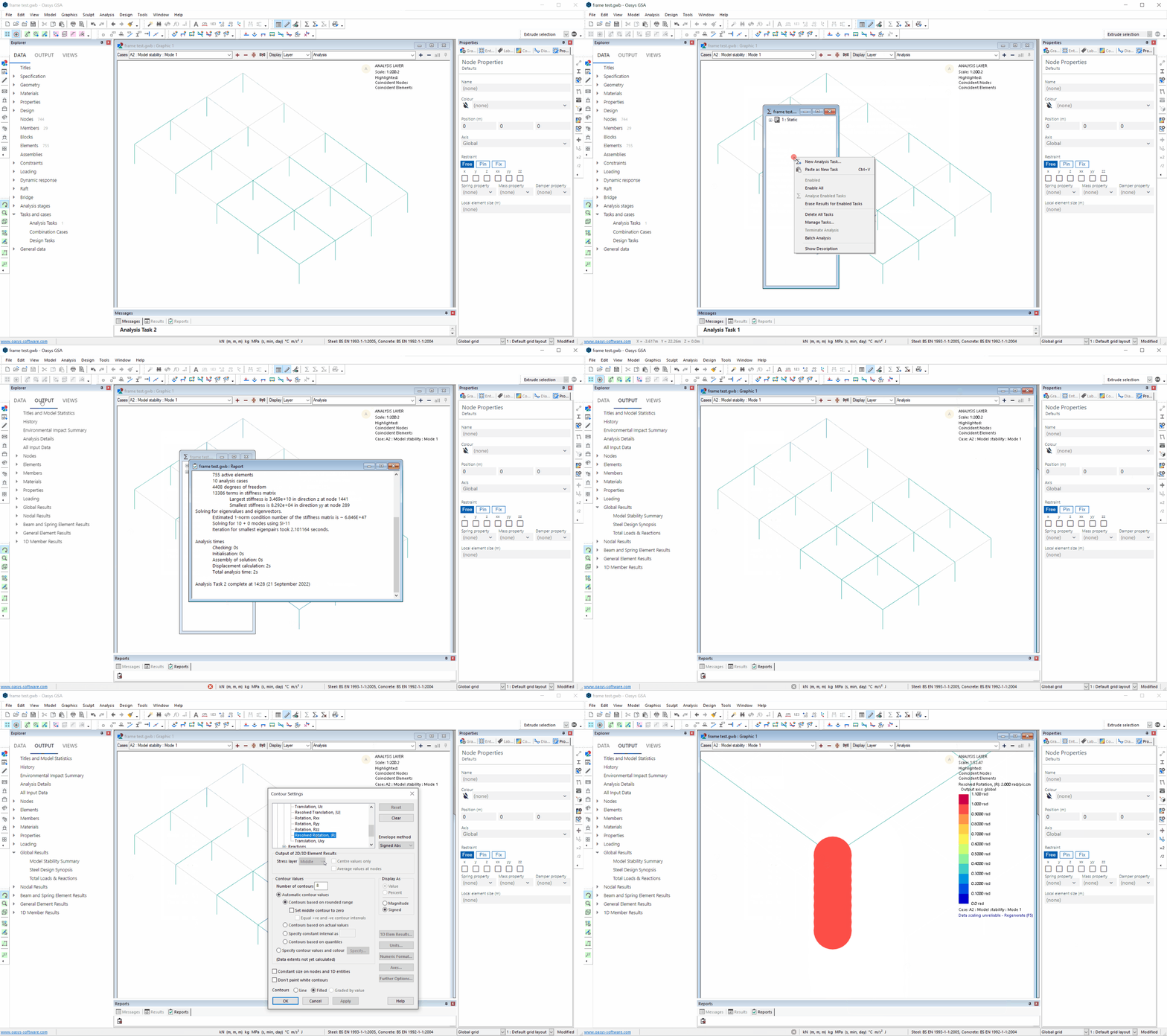
Set up model stability analysis with the model stability wizard.
-
Go to: Explorer pane > Data > Tasks and cases > Analysis tasks.
-
In the window that opens, right click and select New analysis task to open the analysis wizard.
-
Tick Model stability, then Next.
-
Enter parameters and click Finish.
-
In the Output tab of the Explorer pane select Global results > Model stability summary.
-
Select the Contour settings tool:

- Click Nodal results > Displacements > Resolved rotation (R) to view on the graphic display.